Pick a color from the screen on Mac
Need the exact hex of a color on screen? macshot's eyedropper samples any pixel from a capture and copies the value - ready to paste into Figma, your CSS, or anywhere else.
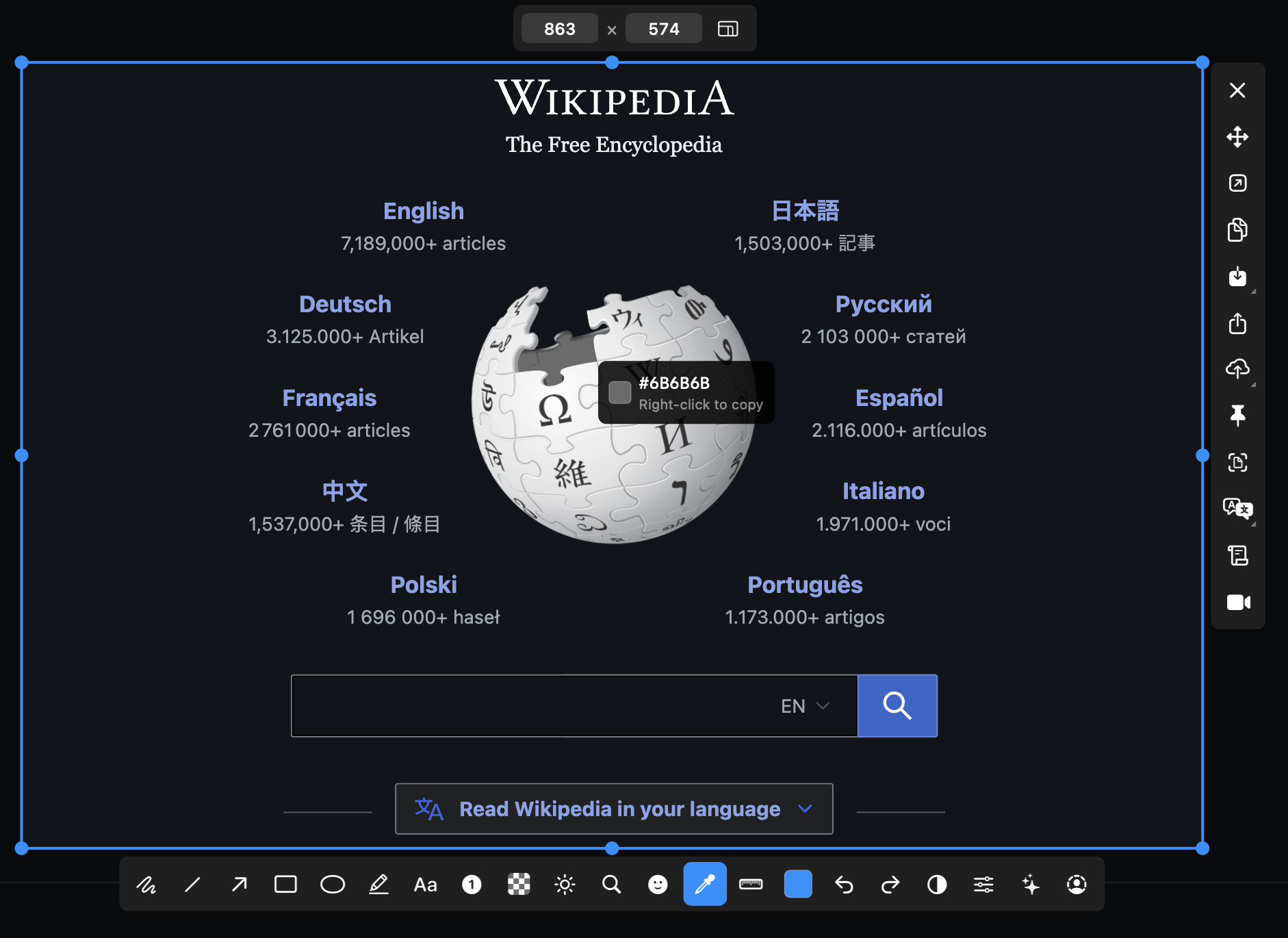
Need the exact hex of a color on screen? macshot's eyedropper samples any pixel from a capture and copies the value - ready to paste into Figma, your CSS, or anywhere else.
Matching a color by eye never quite works. macshot's color sampler reads the real pixel value so you get the precise hex of a button, a brand color, or a gradient stop straight off the screen.
Because it samples from the captured image, the eyedropper works on websites, apps, photos, PDFs - anything on screen. Pair it with the magnifier to land on the exact pixel you mean.
macshot is a native Swift and AppKit app, free and open source under the GPLv3 license, with no subscription, account, or watermark - and the color picker is just one tool in a full capture and annotation kit.
macshot has a color sampler. Capture the area, click any pixel with the eyedropper, and macshot copies its hex value so you can paste it straight into a design tool or stylesheet.
Yes. Sampled colors can be stored in macshot's custom color slots, so you can build up a palette as you pick.
macshot's eyedropper samples from the captured image, so you can pick a precise pixel from anything you've screenshotted - a website, an app, a photo, or a design.
Yes. macshot is free and open source under the GPLv3 license, with no subscription or account.