Pin a screenshot on top on Mac
Keep a capture floating above every window while you work - a reference to copy, numbers to retype, a layout to match. macOS can't do it on its own; macshot can.
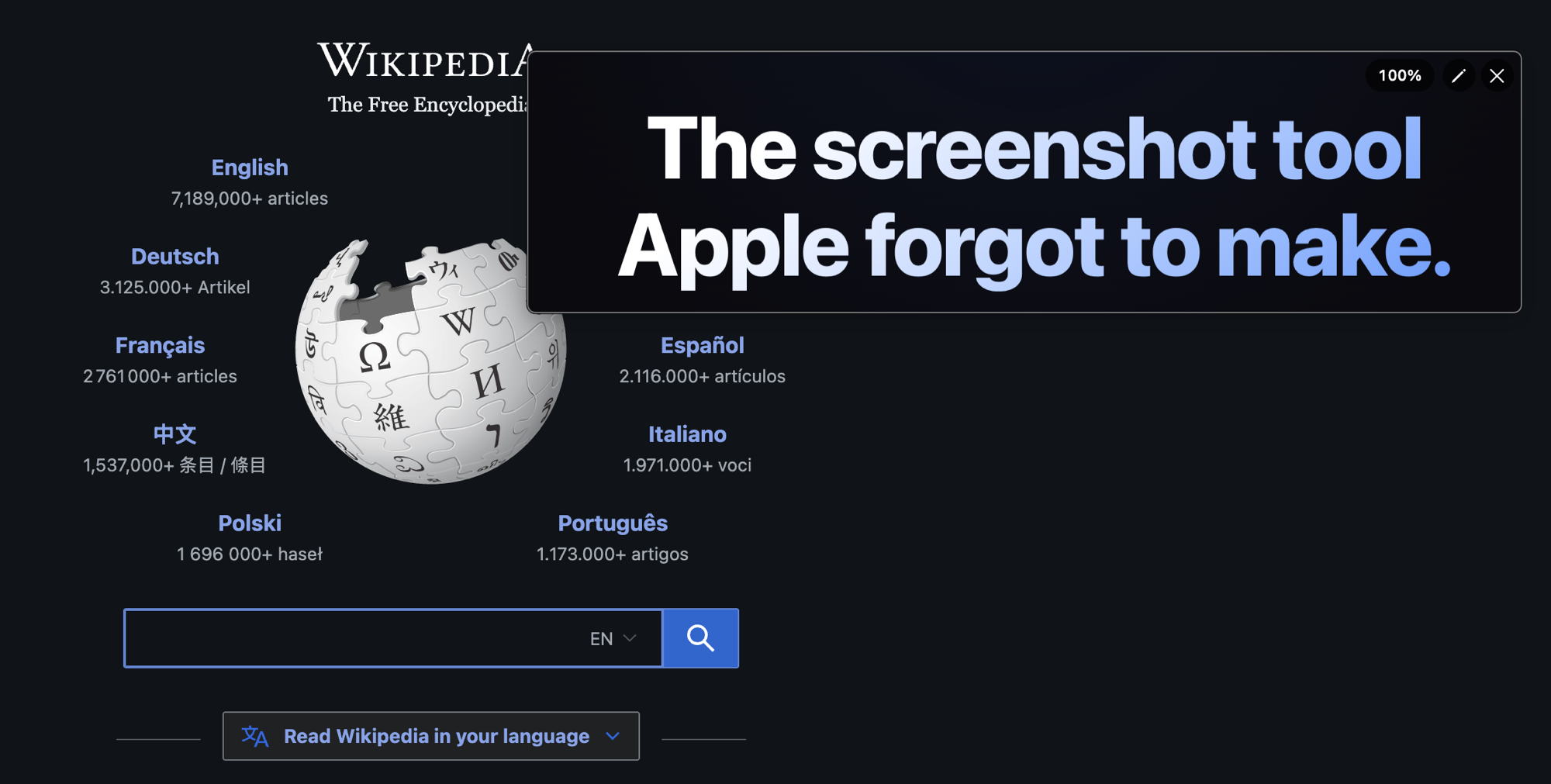
Keep a capture floating above every window while you work - a reference to copy, numbers to retype, a layout to match. macOS can't do it on its own; macshot can.
After you capture, pin the screenshot and it becomes a small floating window that stays on top of everything else. Move it wherever it's handy and keep working in your other apps - the pinned image stays put and stays visible.
Pinning is one of the actions available after any capture, alongside copy, save, annotate, and upload. So you can mark up a screenshot first and then pin the annotated version - or pin it straight away and get on with your work.
macshot is a native Swift and AppKit app. It's free and open source under the GPLv3 license, with no subscription or account.
macOS has no built-in way to float a screenshot above other windows. macshot can pin any capture as an always-on-top floating image that stays visible while you work in other apps.
It keeps a reference image in view - a design to copy, numbers to retype, instructions to follow, or a layout to match - without switching windows back and forth.
Yes. Pinning is one of the post-capture actions, so you can mark up a screenshot and then pin the annotated version.
Yes. macshot is free and open source under the GPLv3 license, with no subscription or account.