Take a scrolling screenshot on Mac
macOS can only capture what's on screen. macshot captures the whole thing - select a region, scroll, and it stitches every section into one tall image automatically.
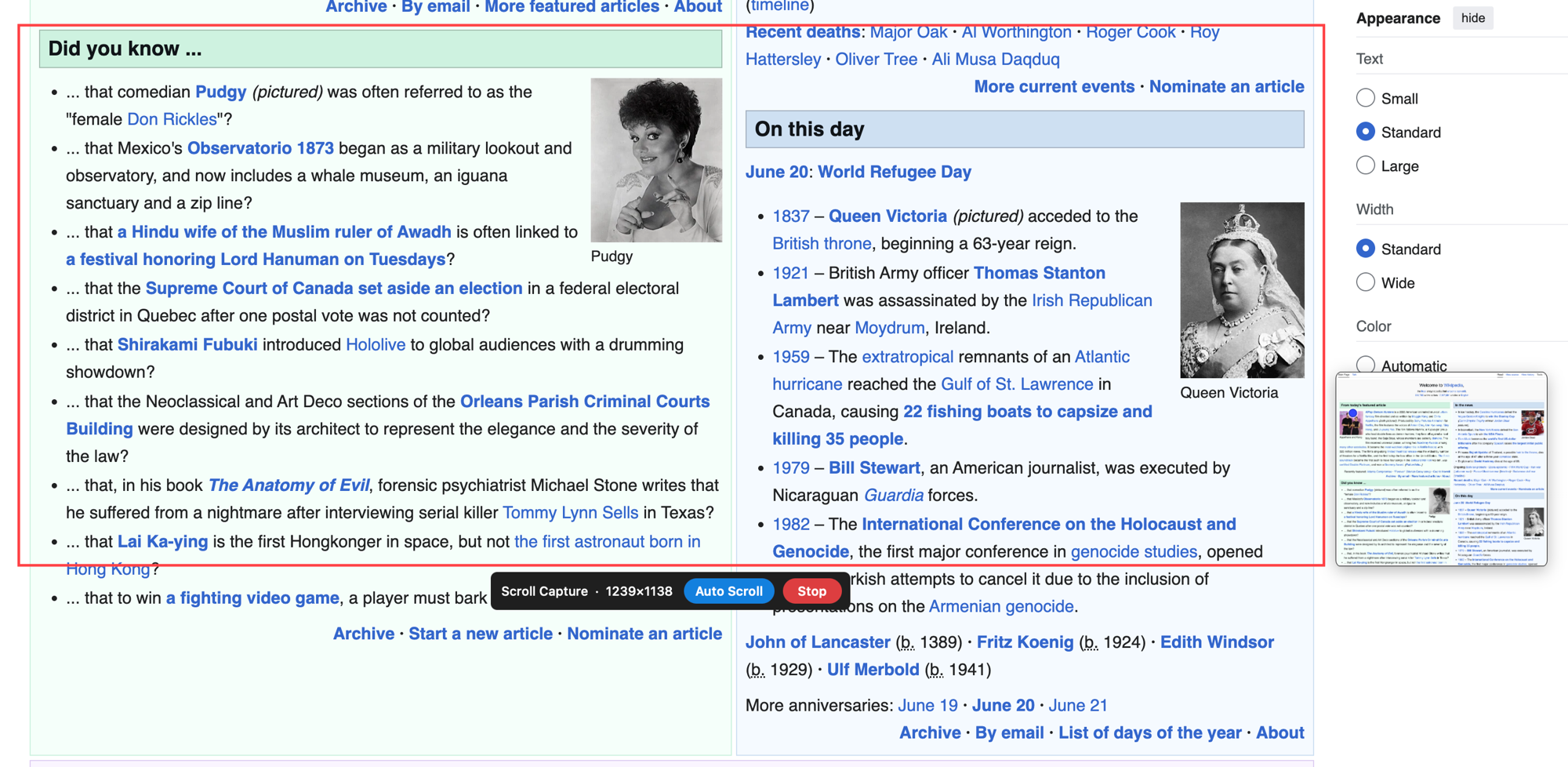
macOS can only capture what's on screen. macshot captures the whole thing - select a region, scroll, and it stitches every section into one tall image automatically.
The macOS screenshot shortcuts - Shift-Command-3, Shift-Command-4, and Shift-Command-5 - only capture the pixels currently visible. A long article, a chat history, a terminal log, or a full web page that scrolls past the bottom of your screen can't be captured in a single shot. That's the gap macshot fills.
The stitching uses Apple's Vision framework to align each section, so overlapping content and sticky headers don't leave seams or duplicates. It's designed for vertical content - long web pages, documents, conversations, and logs - and produces a single clean image you can annotate, save, copy, or share.
macshot is a native Swift and AppKit app - not a browser extension, so it works in any app, not just your browser. It's free and open source under GPLv3, with no subscription or account.
No. The built-in tools (Shift-Command-3, 4, and 5) capture only what's visible on screen. For a page that scrolls beyond the screen, you need a tool like macshot that records the scroll and stitches the sections into one tall image.
Select the region you want to capture, start scroll capture, and scroll down. macshot detects each new section, matches it against the previous one, and stitches everything into a single tall image when you stop.
Yes. macshot is a native app, so scroll capture works in any scrolling window - documents, chat apps, terminals, and more, not just web pages.
Yes. macshot is free and open source under the GPLv3 license, with no subscription or account.