Translate a screenshot on Mac
Foreign-language text on your screen - a menu, an error message, a document? Capture it and macshot reads the text and overlays the translation right where it is, across 30+ languages.
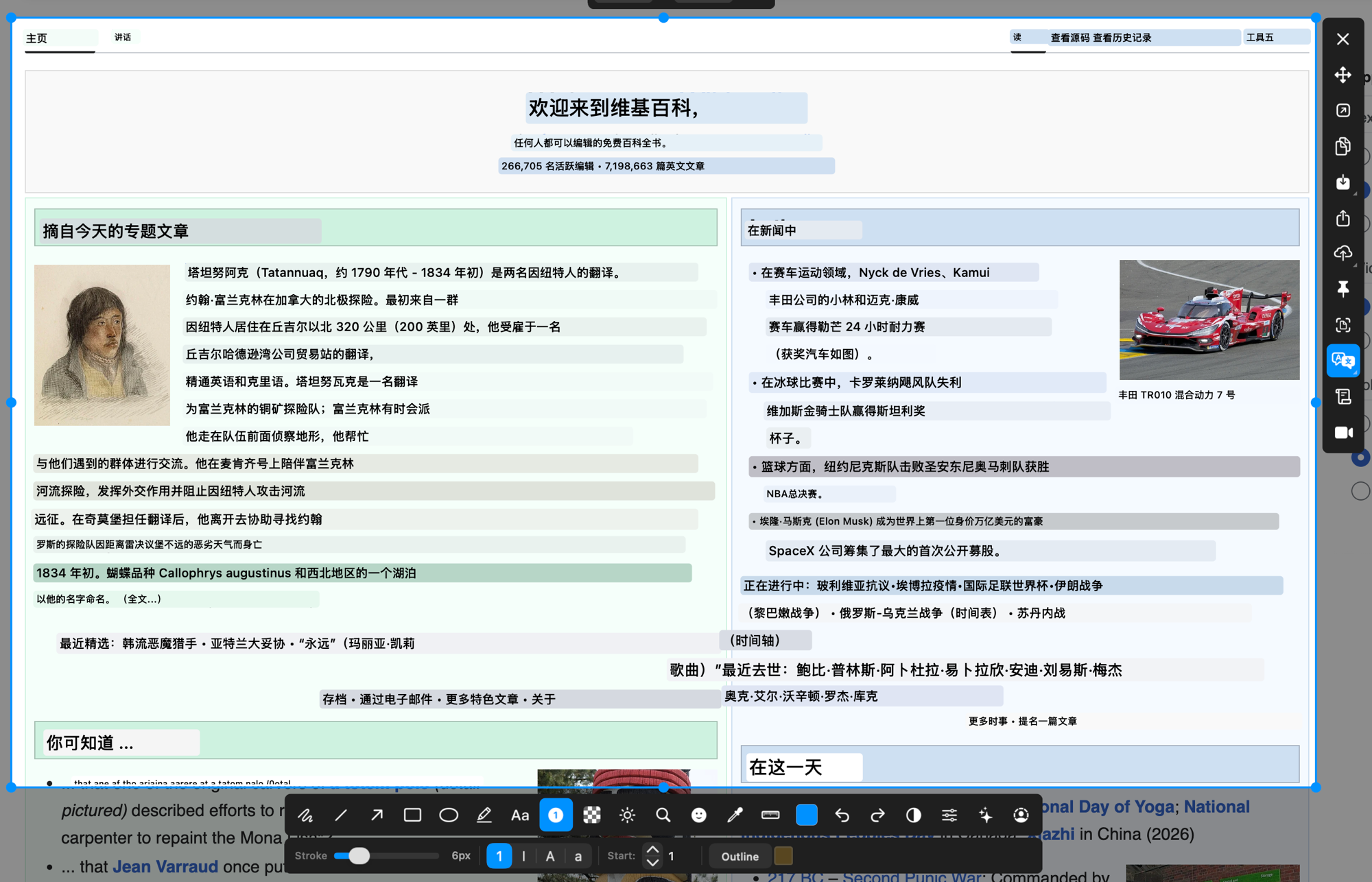
Foreign-language text on your screen - a menu, an error message, a document? Capture it and macshot reads the text and overlays the translation right where it is, across 30+ languages.
Plenty of text on a Mac can't be selected and dropped into a translator - text inside images, screenshots, video calls, or apps that won't let you copy. macshot gets around that by reading the pixels directly and translating what it finds.
Set your target language once and macshot converts detected text into it. It covers more than 30 languages, so it works for everyday menus and messages as well as documents and UI.
Because it's OCR-based, translation isn't limited to selectable text. Screenshots, photos of signs, baked-in captions, and frozen video frames all work - if you can capture it, macshot can read and translate it.
macshot is a native Swift and AppKit app, free and open source under the GPLv3 license, with no subscription or account. Just need the text out, untranslated? It can do plain text recognition too.
Capture the area with macshot and run translate. It reads the text with OCR and overlays the translation right on the image, so you can read foreign-language UI, documents, or messages without retyping anything.
macshot translates between 30+ languages. Pick your target language and it converts the detected text into it.
Yes. Because it uses OCR, it works on text baked into images, screenshots, and video frames - anywhere you can capture it, even when the text can't be selected.
Yes. macshot is free and open source under the GPLv3 license, with no subscription or account.