Remove the background from a screenshot on Mac
Pull the subject out of a capture and drop everything behind it. macshot isolates the main object - a person, a product, a UI element - into a clean transparent PNG, right on your Mac.
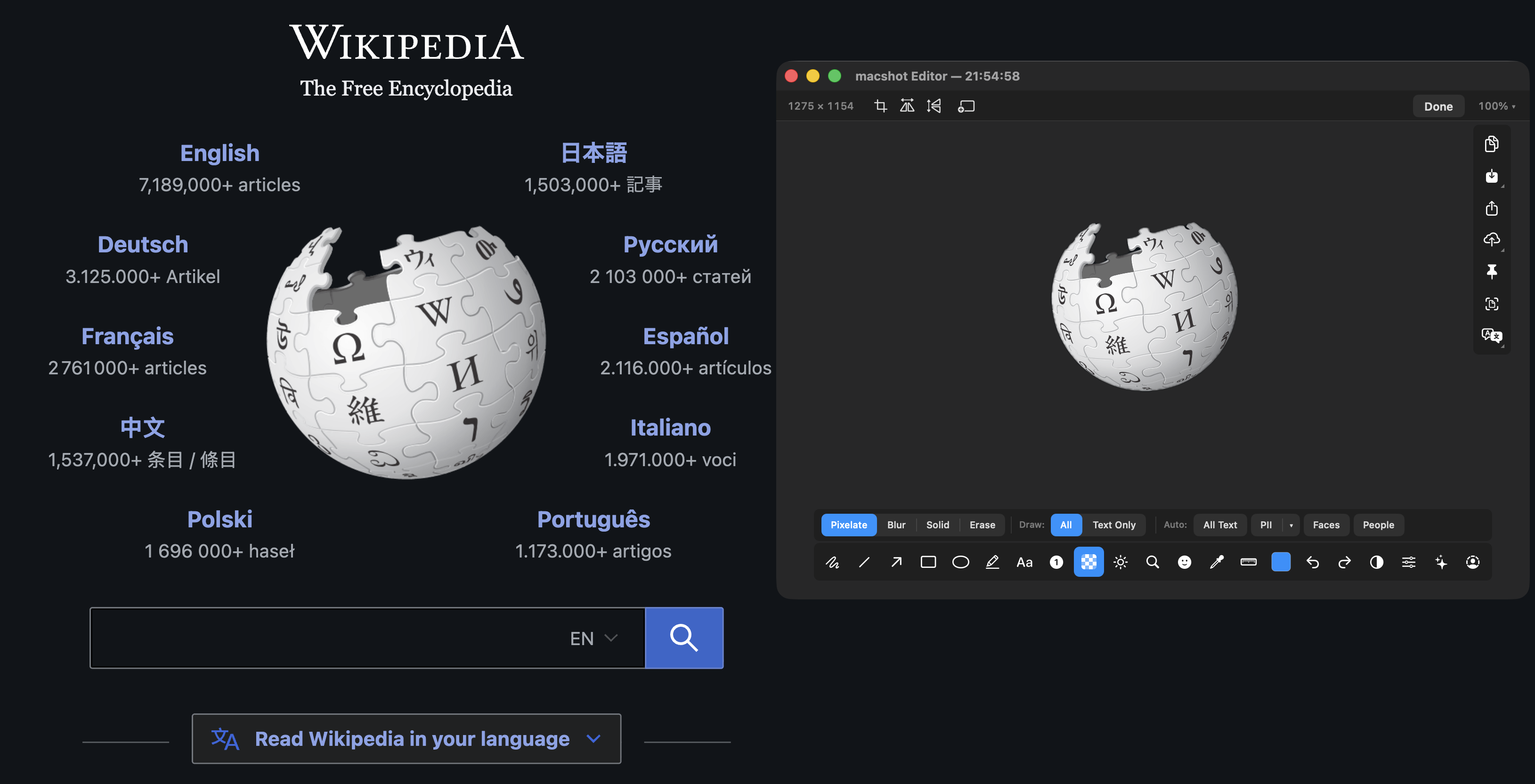
Pull the subject out of a capture and drop everything behind it. macshot isolates the main object - a person, a product, a UI element - into a clean transparent PNG, right on your Mac.
The usual ways to drop a background mean uploading your image to a website or opening a heavy photo editor and masking by hand. macshot does it in the capture flow: take the shot, remove the background, done - and the image never leaves your Mac.
Because the output is a transparent PNG, you can paste the cut-out straight onto another background, a slide, a doc, or a gradient backdrop without a white box around it.
Subject isolation uses Apple's Vision framework locally. There's no remote background-removal service involved, so even sensitive screenshots stay private.
macshot is a native Swift and AppKit app, free and open source under the GPLv3 license, with no subscription, account, or watermark.
macshot can isolate the main subject of a capture and drop everything behind it, leaving a transparent PNG. It uses Apple's Vision subject-isolation on your Mac - no uploading to a web service.
Yes. The result is a PNG with a transparent background, so you can paste the subject onto any other image or background cleanly.
No. Subject isolation runs on your Mac using Apple's Vision framework. Your image is never sent to a remote background-removal service.
Yes. macshot is free and open source under the GPLv3 license, with no subscription or account.