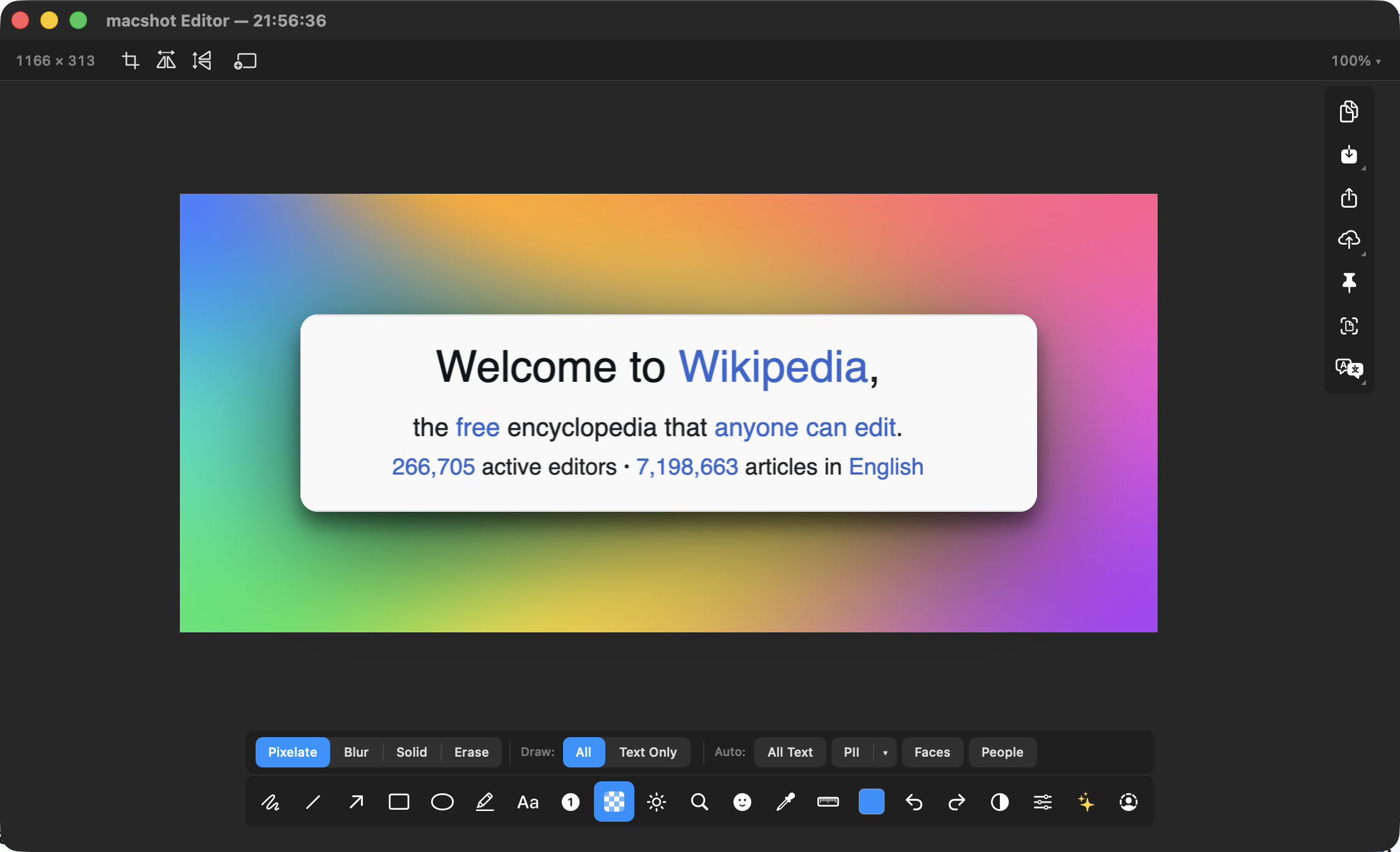
From bare capture to polished image
A raw screenshot pasted into a tweet, a slide, or a landing page looks flat. A gradient backdrop with breathing room and a shadow makes it look intentional. macshot's Beautify does exactly that without sending your image to a website.
What you can adjust
- Gradient style - choose from 30 presets, including mesh gradients on macOS 15+.
- Padding - how much space sits around the screenshot.
- Rounded corners - soften the screenshot's edges.
- Shadow - lift it off the background with a drop shadow.
Offline by design
Most "beautify screenshot" tools are websites you upload to. macshot renders the gradient on your Mac, so it's instant, works without a connection, and your screenshot never leaves the machine.
Pairs with the rest of macshot
Beautify sits alongside the full annotation toolkit - arrows, text, numbered steps, blur - and works great with background removal when you want a clean subject on a colorful backdrop.
Free, native, and open source
macshot is a native Swift and AppKit app, free and open source under the GPLv3 license, with no subscription, account, or watermark.